Jamie Dunbar / free Blender tutorials
Learn 3D
animation.
Learn character or creature animation including - sculpting, texturing, rigging, animation, motion capture and AI. All on YouTube. All for free.
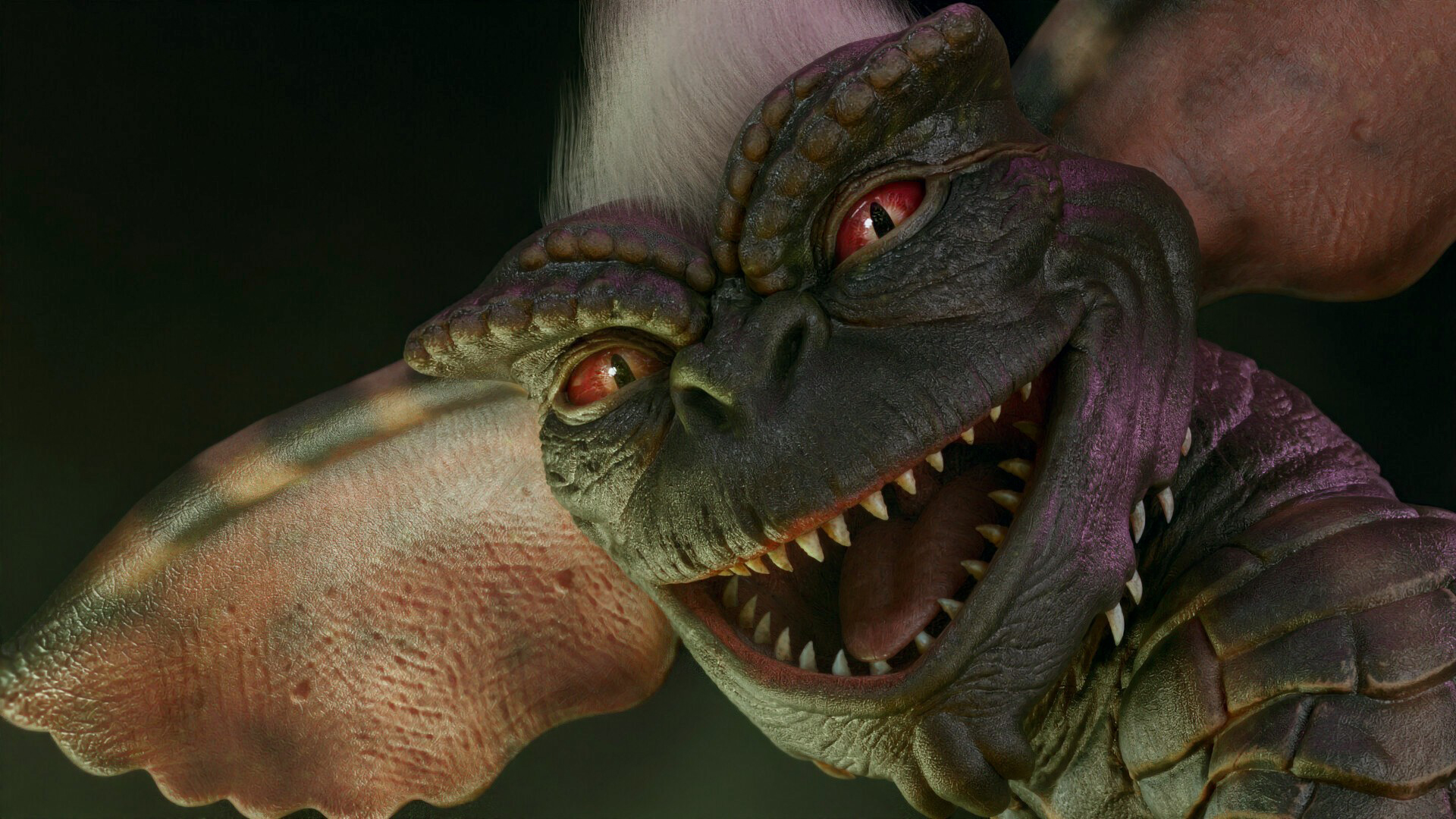 Gremlin · sculpting, texturing & motion capture
Meet your Blender guide
Hi, I’m Jamie.
I run Dragonboots Studios and I’ve spent over 15 years working in animation. I’m also the person behind Pokémon Planet and Creature Kitbash.
I make characters, build creatures and work out how to bring them to life. Here, I share the process so you can have a go yourself.
You can see the finished work, then follow the steps behind it. That’s the idea: useful things you can put into your own projects.
Have a look at what I make →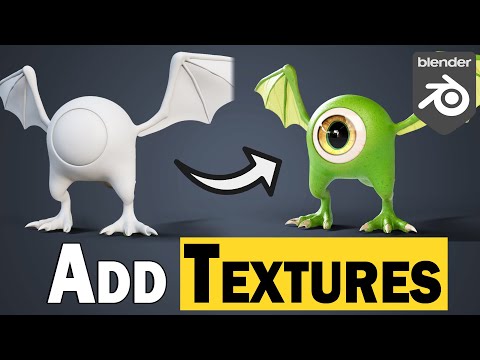 Free playlist on YouTube ↗
Blender for beginners
There’s a lot going on when you first open Blender. Take it one useful step at a time. Start with adding image textures, get a feel for how surfaces work, and follow along at your own pace.
- Add an image texture to your model
- Understand how textures change a surface
- Build confidence with step-by-step Blender tutorials
 Free playlist on YouTube ↗
Motion capture
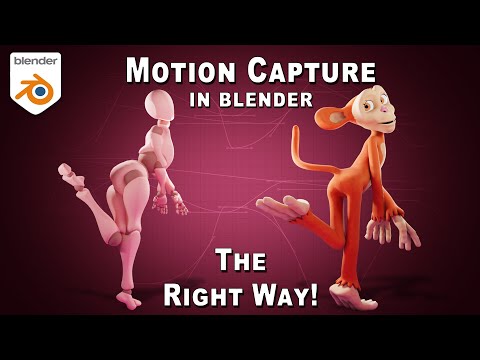
A good character deserves more than a nice pose. This series gets into motion capture and retargeting, so you can start putting movement onto your own characters in Blender.
- Retarget motion capture onto a character
- Work with captured movement in Blender
- See how mocap fits into an animation workflow
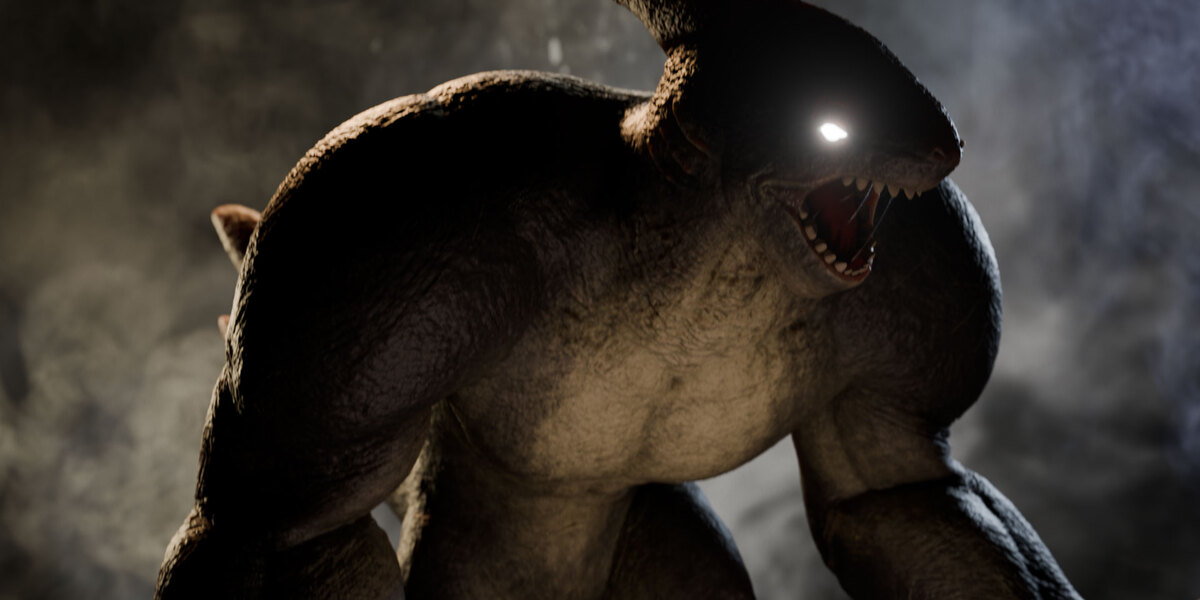 Free playlist on YouTube ↗
Creature Kitbash
Mix heads, bodies, limbs and claws until something interesting starts staring back at you. I’ll show you how to get Creature Kitbash into Blender and start building creatures you can take into your own sculpting workflow.
- Install the addon and find your creature parts
- Combine parts into a creature base mesh
- Get ready for the sculpting and detailing stage
The tutorials are free. Creature Kitbash itself is a paid Blender tool. Explore the tool →
Something you can try today
Fancy a quick win?
You don’t always need a whole series. Pick a technique and try it on whatever you’re working on.
Free video tutorial
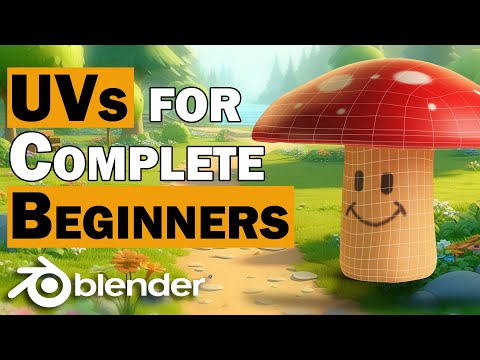
Texture painting quick-start
Get your UVs and texture painting going without making it a bigger job than it needs to be.
Watch on YouTube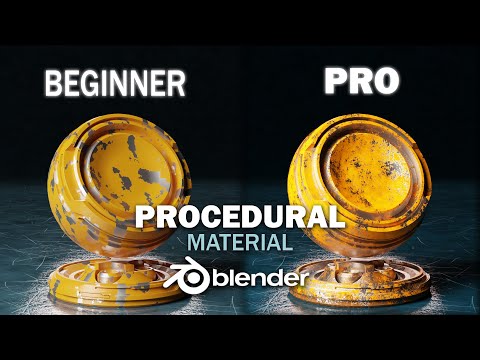
Free video tutorial
3 easy steps to make realistic materials
A perfectly clean surface can look a bit too perfect. Add wear, scratches and dirt with procedural materials.
Watch on YouTubeYour next project starts here
Pick a lesson. Make something.
Watch, pause, try it yourself. I’ll see you over on YouTube.
Support the tutorials
Support on Patreon
If my Blender tutorials help you make something, you can help me make more. Join me on Patreon to support new videos and the time that goes into sharing the process.